F606B Borescope Support: Manual, Firmware & Troubleshooting

F6B 4-Wege-Gelenk-Endoskop
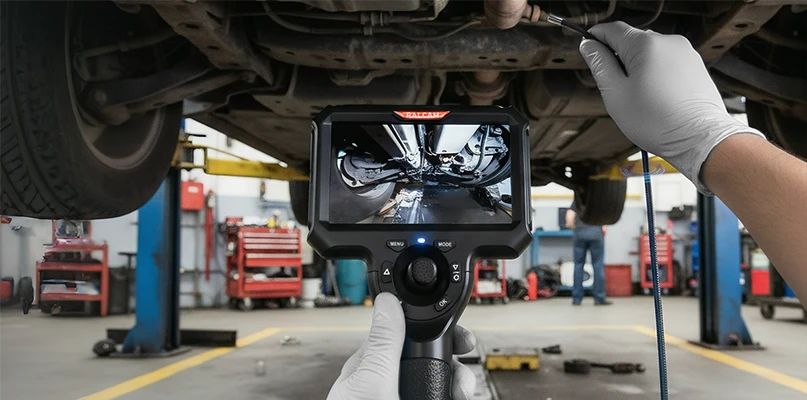
Das F6B-Endoskop ist ein leistungsstarkes Werkzeug für präzise Motorinspektionen. Mit einem 4,3-Zoll-Bildschirm und einer HD-Auflösung von 1280 x 720 Pixeln ermöglicht dieses vielseitige Gerät eine Betriebsdauer von bis zu 6 Stunden. Die flexible 4-Wege-Beweglichkeit und die volle 360°-Rotation des Objektivs ermöglichen umfassende Motor- und Maschineninspektionen. Wasserdicht, öldicht und hochtemperaturbeständig – das F6B ist ideal für Profis, die zuverlässige und effiziente Diagnosewerkzeuge benötigen.

Benutzerhandbuch und Einrichtungsanleitung herunterladen
Im Benutzerhandbuch finden Sie detaillierte Anweisungen zum Einrichten und Verwenden Ihres F6B-Endoskops.

Herunterladen und Brennen der RA430H-Host-Firmware
Klicken Sie auf die Schaltfläche unten, um die Firmware und Programmieranweisungen für den RA430H herunterzuladen.
How to Update the RA430H Firmware, Step by Step
Download the RA430H firmware package from the section above, then follow these steps. You need the borescope's TF (microSD) card and a computer that can unzip the package.
- Unzip the downloaded firmware package and copy the 5 files it contains (RA430_26.bfu and the others) to the root directory of the TF (microSD) card.
- Insert the TF card into the F606B and power it on. The device enters firmware upgrade mode automatically and the screen shows “Firmware upgrading, do not power off”.
- Wait while it runs. The upgrade takes anywhere from a few tens of seconds to a few minutes. When it finishes, the screen shows “Upgrade successful” and the device powers off by itself.
- Press the power button to start the borescope again. It is ready for normal use.
Do not power the device off or pull the TF card out while the upgrade is running.
F6B Troubleshooting: 4-Way Articulation Stuck
The articulation tip is stuck or will not steer
Straighten the insertion tube first, then try to steer again.
If the tip still will not turn, lift the tube, hold it just below the bending section, and shake it gently a few times. Then try to steer again.
If the tip still does not respond after that, contact Ralcam after-sales support for help.
Do not force the articulation control while the tip is unresponsive.